
YouTube link in bio
A Link in Bio Page for Your YouTube Channel That Shows Your Videos
Juicer Pages gives your channel one link to send people to: a hosted landing page with your latest videos, your buttons and your other networks, updated every time you upload.
- Your latest videos, not a static list of links
- Call-to-action buttons, social icons and your brand colors
- Moderation built in, so what you approve is what shows
One Juicer Page is included free on every plan, the free plan too.
Why a page
Why a link-in-bio page beats a list of links
It updates itself
Every upload on your channel appears on the page automatically. Publish a video once, on YouTube, and the page already has it, Shorts and live streams included.
Every network behind one link
Put YouTube next to Instagram, TikTok, X and your newsletter on the same page. One link to remember for the channel banner, the video descriptions, the podcast notes and the merch table.
Safe for brands, schools and creators
Moderation and keyword filters decide which videos show, and Juicer Pages enforces a family-friendly content policy across the platform.
How it works
Your YouTube landing page in three steps
No website, no CMS, no code and no YouTube login. If you can upload a video, you can publish a Page.
-
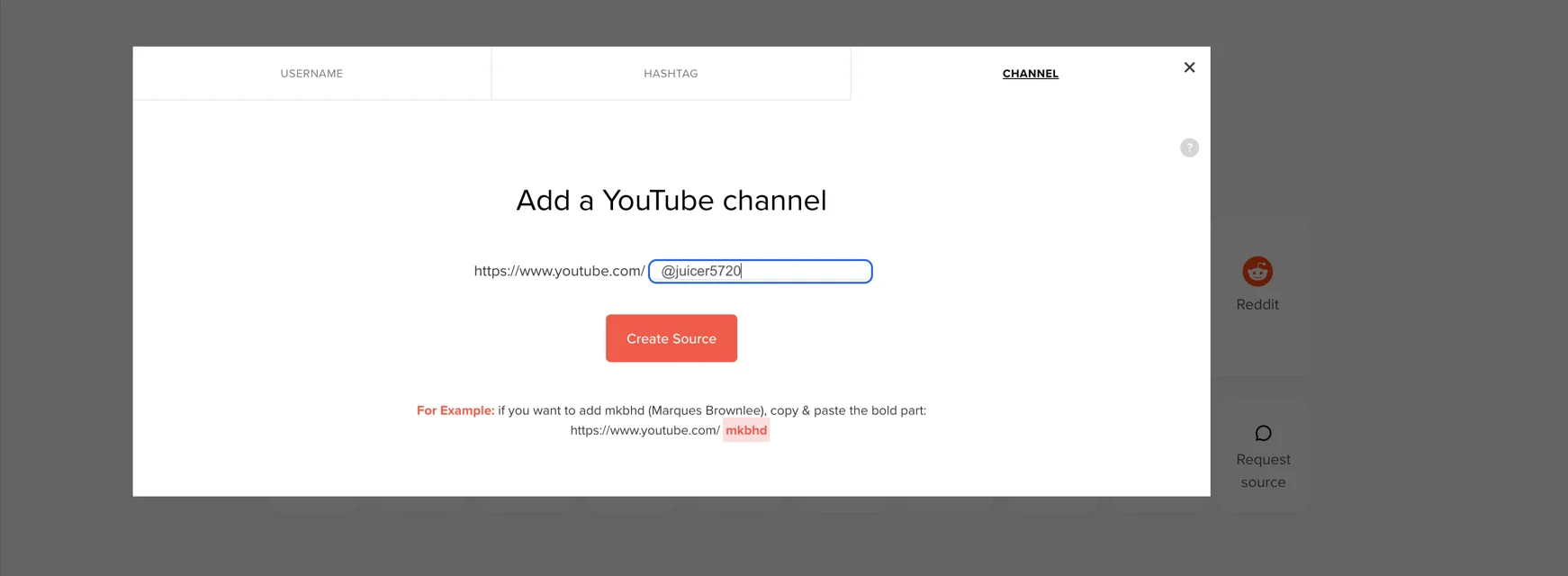
01
Pick the feed
Choose the Juicer feed with your YouTube channel source, or create one and paste the channel URL in a minute.
-
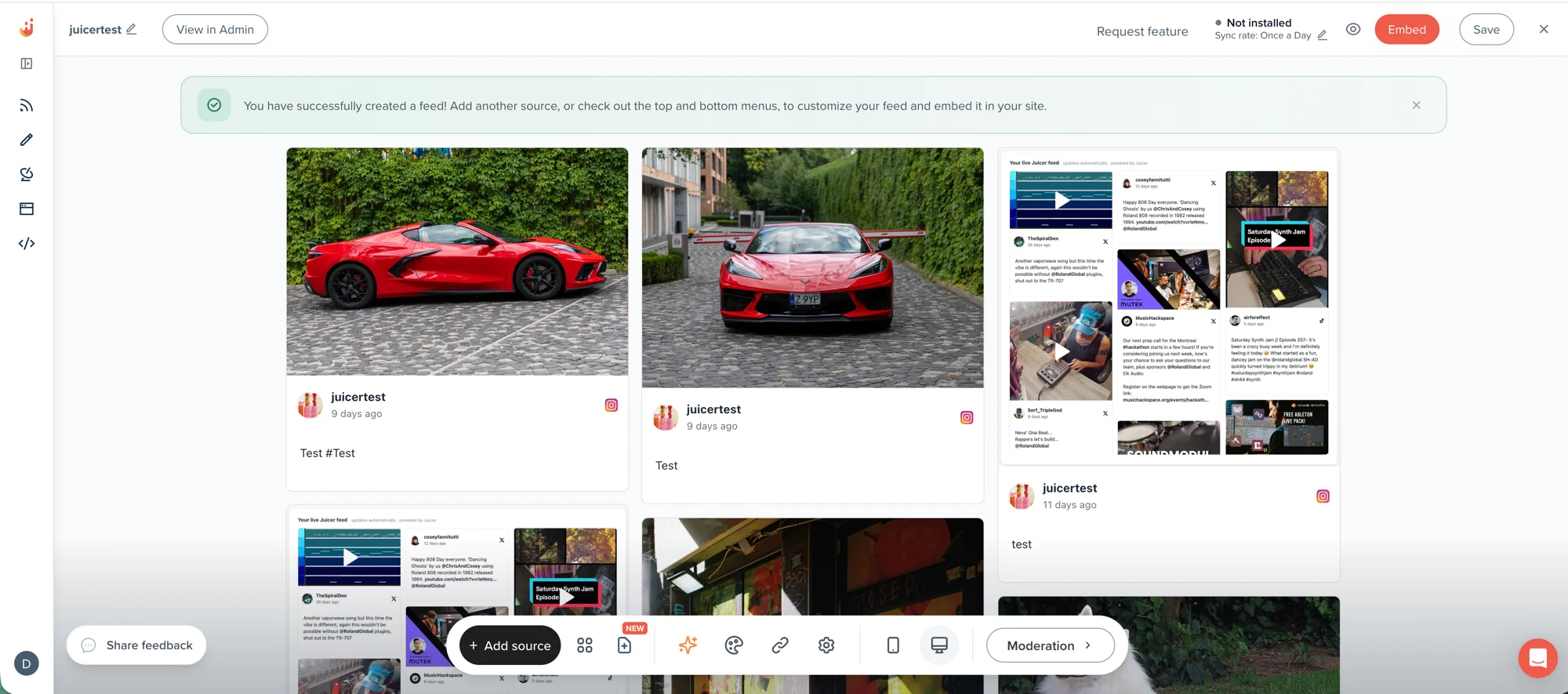
02
Make it yours
Set page and text colors, the font, button colors and radius; add link buttons with labels, emoji and styles; add your social and contact links; write the page title and description search engines show.
-
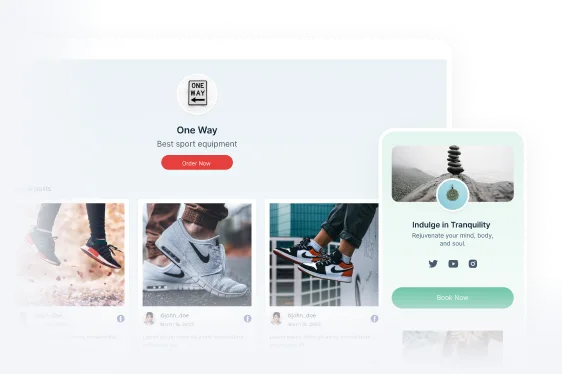
03
Publish and share the link
Put the link under your channel banner, in every video description, in your pinned comment and in your podcast notes. It stays current from then on.
One page, every brand
Pick your kind of brand. The page follows.
Colours, type, buttons and the feed all change with the brand. Every version in the demo is the same Juicer Page with different settings.
Sample brands and posts. Pick a brand in the bar at the top of the demo. Open the demo in a new tab
Features
Everything on the page
Your latest videos
Thumbnails from your channel or a playlist, in the layout and colors you choose, each opening in YouTube's player. Videos on your hashtag can join them if you add that source.
Call-to-action buttons
Watch the latest video, get the gear list, book a call, buy the course: add as many link buttons as you need, order them, give each a label, an emoji and a style, or custom colors.
Your other channels
Icons for YouTube, Instagram, TikTok, Facebook, LinkedIn and X, plus website, email and phone, at the top or the bottom of the page.
Brand styling
Page background and text colors, font family and size, button colors and corner radius, full-width or compact buttons. It looks like you, not like a template.
Search-ready
Your own page title and meta description, a real URL on Juicer's domain, and content Google can read: every video is real HTML, not an app shell.
Moderation and curation
Approve videos before they show, hide any video with one click, pin the ones that matter, or let AI moderation keep the page brand-safe.
Compared
Juicer Pages vs link-in-bio tools
Your audience wants to see what you make, not a list of buttons. Here is where the two approaches differ.
| Feature |
Link-in-bio tools
Linktree and similar
|
|
|---|---|---|
| What visitors see | ||
| Live social content | Yes, updates with every upload | No, static links only |
| Networks on one page | YouTube plus 14 other sources | Links you add by hand |
| Built-in social proof | Live videos, mentions and UGC | None |
| Control | ||
| Brand customization | Colors, fonts, buttons, layout | Limited templates |
| Content safety | Moderation and a content policy | No content restrictions |
| Price for one page | Free, included with Juicer | Free with limits, or paid |

Questions
Frequently asked questions
What channel owners ask before building a landing page with Juicer.
-
Do I need a website?
No. Juicer hosts the page on its own domain and gives you the link. If you do have a website, the same feed can also be embedded there with the YouTube feed widget. -
Where do I put the link on YouTube?
Under your channel banner, where YouTube shows your first link to every visitor, in the links list behind the About tab, in every video description and in your pinned comment. A page that holds everything is what makes that first link work. -
Does the page update by itself?
Yes. It shows the videos from your feed, and the feed syncs your channel on your plan's schedule. New uploads appear without anyone editing the page; if you moderate the feed, only approved videos show. -
Can I show more than YouTube?
Yes. Add Instagram, TikTok, Facebook, X, your blog's RSS or any of Juicer's 15+ sources to the same feed and the page shows them together. You can also add icon links to profiles you don't pull posts from. -
Can I connect my own domain?
Pages live on Juicer's domain with a name you choose. Custom domains are an Enterprise white-label feature for the social wall; ask us if you need one for a Page. -
Is it free?
One Juicer Page is included on every plan, including the free plan, with no add-on. The feed behind it follows your plan's source and refresh limits; a YouTube channel source is included on every plan. See pricing. -
What content is not allowed?
Juicer Pages is built for creators, schools, businesses and community organizations and enforces a family-friendly content policy: no adult, violent, gambling, hateful, illegal or misleading content. Pages that break it are removed. The full policy is on the Juicer Pages page.
