


LinkedIn feed on WordPress
The official Juicer plugin drops your LinkedIn feed into any post or page with a one-line shortcode. In the WordPress directory since 2015.
LinkedIn feed widget
Juicer's LinkedIn widget pulls live posts from your LinkedIn Company Page, a personal profile, a hashtag or a group and displays them on your website.
Takes less than a minute. No credit card required.
This is the real widget pulling live posts from a LinkedIn Company Page, not a mockup. Pick a layout, then paste your Page below and your feed is one sign-up away.
Why embed
Your Page already holds the case studies, hiring news and expert takes your team publishes. Showing them on your website turns a static About page into proof that the company is active and worth talking to.
Your website updates itself every time your Page does. Juicer syncs new posts automatically, so the careers page, the newsroom and the homepage stay current with zero editing work.
Not every visitor follows you on LinkedIn, and not every prospect has an account. A live feed puts the announcements, launches and employee stories you post there in front of everyone who lands on your site.
Most LinkedIn widgets stop at your own Company Page. Juicer gives you five source types, none of them needing a LinkedIn login, and you can combine as many of each as your plan allows.
Paste the URL of your Company, School or Showcase Page and every new post flows into your feed automatically: text, photos, carousels and native video. Nothing to connect and no password to share. LinkedIn is a paid-plan source, free to try for 7 days.
Pull the public posts of a founder, an executive or your top employee advocates. Put several profiles in one feed for an employee advocacy wall that updates itself. Paid plans.
Collect public posts on your event, campaign or employer-brand hashtag, whoever published them. Paid plans.
Show the discussion from a LinkedIn group you run: a customer community, an alumni network, an industry circle. Moderation decides which threads make it to your site. Paid plans.
Show the public posts that mention your Page: partner announcements, press, customer praise, event recaps. Available on the Pro and Enterprise plans.
Features
Keep or hide any post before it appears. Approve posts manually, or let AI moderation keep the feed brand-safe automatically. Essential the moment a hashtag or group source lets other people in.
Filter incoming posts by keyword to keep the feed on topic, or block terms you never want on your site. A product name, a campaign tag, a competitor to leave out.
Text posts, single images, multi-photo posts with every image and native video all render in the feed. Juicer caches the media so your feed keeps working between syncs.
Choose a layout, match your brand's colors and typography, and go further with custom CSS when you need pixel-level control.
One feed can combine LinkedIn with Instagram, Facebook, X, TikTok, YouTube, Bluesky and more, in a single wall with one embed code.
Sources are added by public URL. Juicer never asks for your LinkedIn password, never connects to your account and never posts or changes anything on LinkedIn. The widget is read-only.
Feed views and post clicks per feed, with daily measurements over any date range, so you can tell which LinkedIn posts your visitors actually open. Export as CSV or PDF.
Put a Book a demo, Apply now or Learn more button on any post in the feed and link it anywhere. Clicks are counted per post. Starter plan and above.
Share a link or QR code and attendees submit photos straight into your moderation queue, no LinkedIn account needed. Add custom posts for events, offers and announcements alongside the LinkedIn content.
Also for LinkedIn
The same account that embeds your feed also publishes to your Page and profile, listens for your brand, serves the posts as an API and hosts your link in bio. Each has its own page.
Compose once, preview as LinkedIn shows it, and queue it into your posting calendar from your desktop. Text, images, video and PDF document posts to a Page or a profile, plus seven other networks. In beta.
See publishingMentions of your Page and posts on your hashtag in one moderated stream, and Brand Listening research reports with sentiment across LinkedIn and six other networks.
See Brand ListeningCompany Page posts, hashtag searches and Page profiles as normalized JSON from one key. No LinkedIn developer app, webhooks for your own Pages, an MCP server for agents.
See the APIOne hosted Juicer Page for your Page's website field: your live posts, link buttons and your other networks, updated with every post. Included on every plan.
See link in bioHow to
Three steps, no coding and no LinkedIn login. If you can paste one line of HTML, you can put a LinkedIn feed on your website.
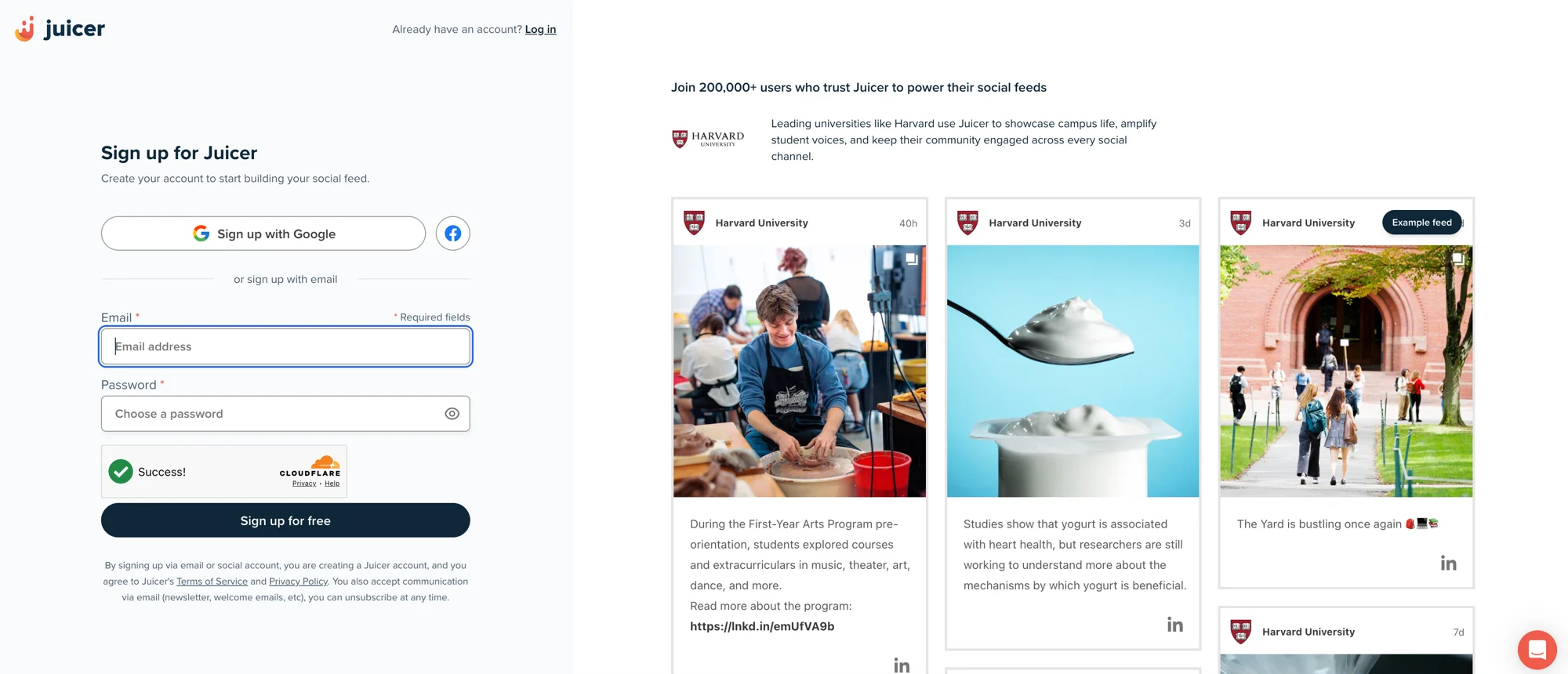
01
Sign up free and create a feed. You can keep it LinkedIn-only or mix in other networks later.
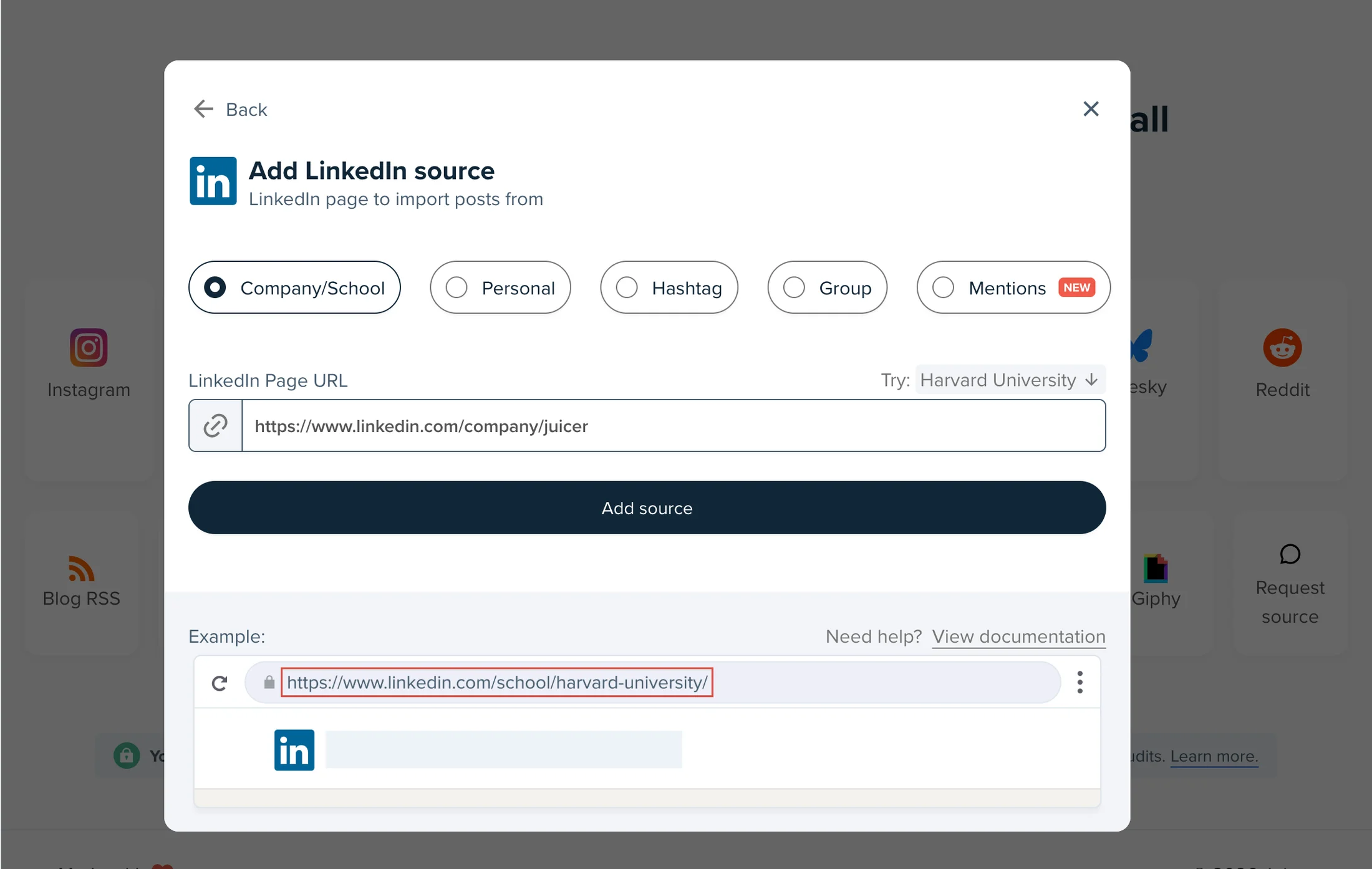
02
Pick LinkedIn, choose Company/School, Personal, Hashtag, Group or Mentions, and paste the public URL. The first posts land within a few minutes.
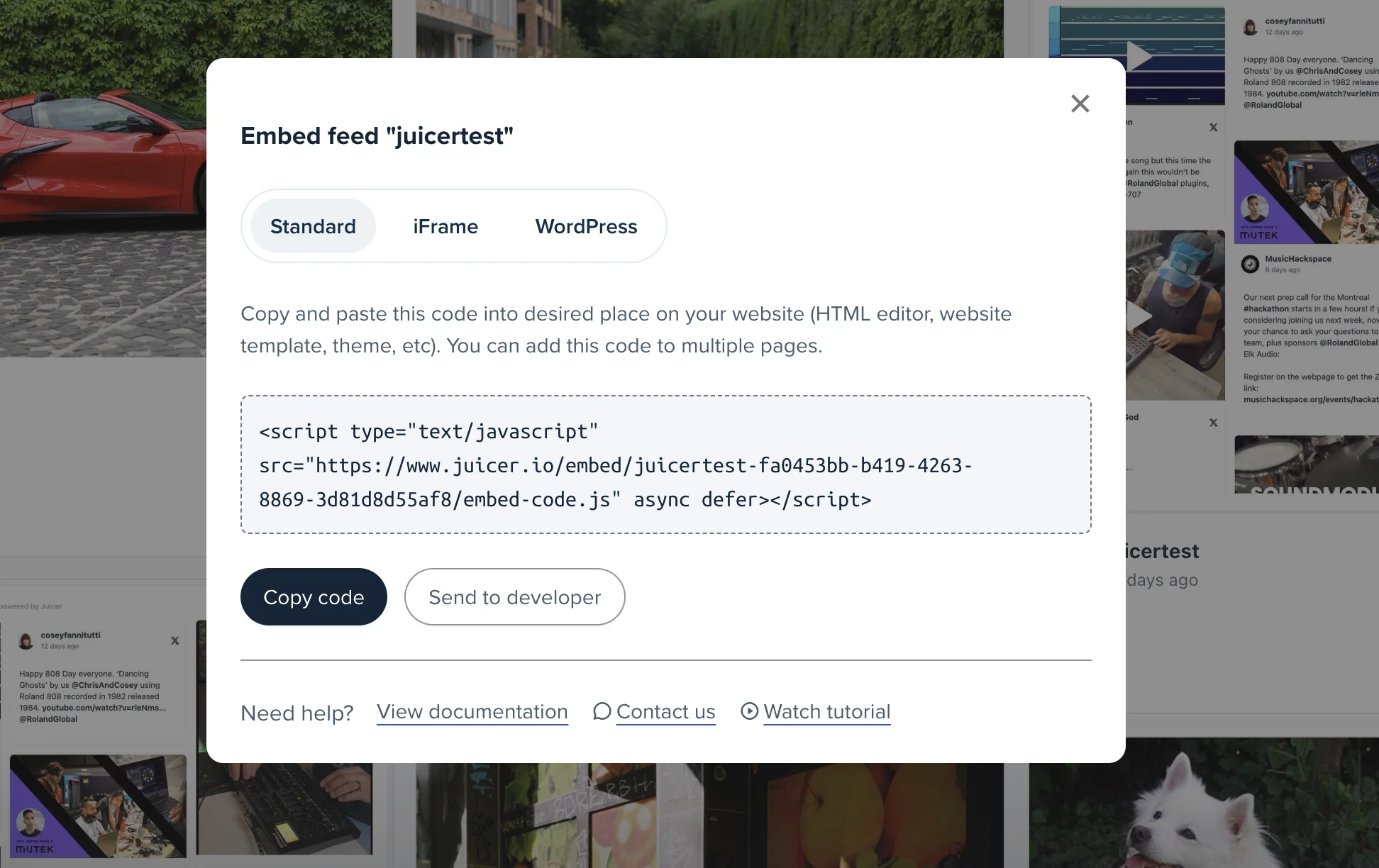
03
Paste it anywhere HTML works. The feed updates itself from then on.
Integrations
The embed works on any site that accepts an embed code. These platforms get a dedicated step-by-step guide.
The official Juicer plugin drops your LinkedIn feed into any post or page with a one-line shortcode. In the WordPress directory since 2015.
Insert the embed on any HubSpot website page, landing page or blog post, so the LinkedIn content your sales team shares also works on the pages that convert.
An Embed element carries the feed into your layout, so it ships with your design system instead of fighting it.
Drop the embed into a Code Block and the feed keeps itself current. No plugin and no upkeep.
Paste one snippet into the Embed HTML element. Works on free and premium Wix sites alike.
The official Juicer Social Feed module brings your LinkedIn feed into Drupal as a native block. No coding required.
A single LinkedIn source is a feed. Several of them make Juicer a LinkedIn aggregator: combine your Company Page, your executives' profiles, your event hashtag and the posts that mention you into one feed, or mix LinkedIn with other social networks in a single wall. Every source shares the same moderation, filters and styling, and the whole wall ships to your site with one embed code. See the LinkedIn aggregator page for the social wall use cases and the social media aggregator page for the full multi-network picture.
Questions
What site owners ask before embedding a LinkedIn feed.
LinkedIn is one of 15+ networks Juicer aggregates. Every platform below gets the same widget: sources in, moderation on, one embed code out.
I love that I can connect so many social channels in one feed. I love how customizable the design is and the ability to filter the social content to exactly what you're looking for. It's so easy to add to a website and you can add in branded elements or change the design to fit your site.

