
Custom posts
Take full control of your feed with custom posts
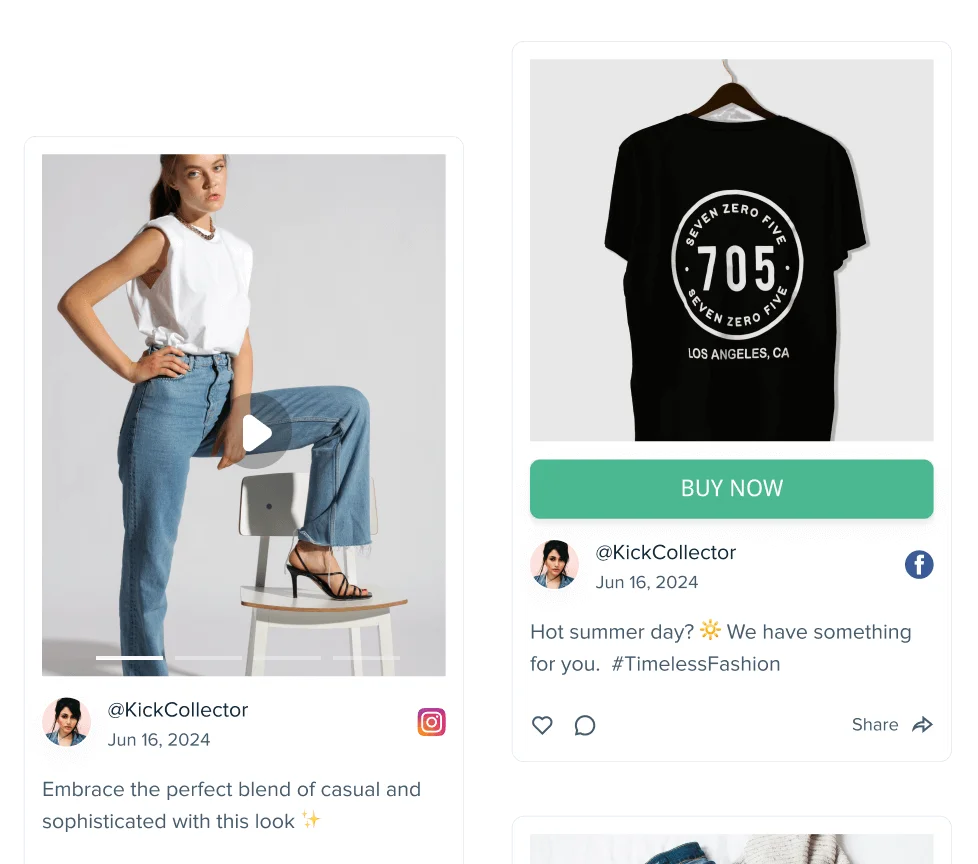
Add announcements, promotions, event updates, or curated content with your own image, title, and text. Custom posts appear seamlessly inside your social media feed and give you complete editorial control.

Why use
custom posts in your social media feed?
Complete content control
Not everything belongs on social media. Custom posts let you publish important updates directly to your website feed, without posting on Instagram, Facebook, or LinkedIn.
Fill content gaps
Slow week on social media? No problem. Keep your feed fresh and active by adding timely announcements, seasonal promotions, or featured content.
Highlight what matters most
Pin key messages like enrollment deadlines, special offers, new menu launches, or campaign launches directly inside your feed.
Promote events and announcements
Add webinar invites, open house reminders, product launches, limited-time offers, or important business updates instantly.
Stay on-brand
Upload your own image and craft your own message to ensure every post matches your brand voice and visual identity.
No algorithm limitations
Unlike social media platforms, custom posts aren't affected by reach limits or platform rules. What you publish is exactly what visitors see.
Perfect for campaign support
Marketing agencies can add client campaigns, educational institutions can promote admissions, and restaurants can highlight new menus, all without relying on external platforms.
Drive website conversions
Use custom posts to direct visitors to booking pages, enrollment forms, reservations, or campaign landing pages.
Improve message consistency
Keep your website messaging aligned with your current priorities. Use custom posts to publish official updates, approved campaign copy, and accurate details anywhere your feed appears.
How to add a custom post
to your social media feed

1. Select “Add custom post”
Open the feed editor and click Add custom post. This opens the custom post modal where you can create a new post that appears at the top of your feed.
2. Add your content (image + title + text)
Write your headline and message. Announce events, promotions, updates, or curated content in your own words.
3. Publish instantly
Click “Create post” and your custom post will appear at the top of your feed, seamlessly blended with your social content.
We use custom posts to promote seasonal menus and special events instantly.
It keeps our website fresh without relying only on Instagram.
Trusted by 200 000+ customers big and small
From personal projects to enterprise brands and events, Juicer's social wall enhances content reach, engagement, and brand visibility.


Frequently asked questions
-
What is a custom post in Juicer?
A custom post allows you to create original content directly inside your Juicer feed. It does not need to exist on any social media platform - it's displayed only in your embedded feed. -
Do custom posts appear on my social media accounts?
No. Custom posts are only visible inside your Juicer feed on your website. -
Can I upload my own images?
Yes. You can upload PNG, JPG, GIF, or WEBP images (up to 10MB) for each custom post. -
Can I edit or delete a custom post?
Yes. You can update or remove custom posts anytime from your Juicer admin panel. -
Will custom posts match my feed design?
Absolutely. Custom posts follow your feed's styling and layout settings for a seamless look. -
Can I use custom posts for promotions?
Yes. Many businesses use custom posts to promote events, offers, admissions, launches, and important announcements. -
Can agencies use custom posts for clients?
Definitely. Marketing agencies use custom posts to highlight campaigns, showcase client work, and ensure consistent messaging.