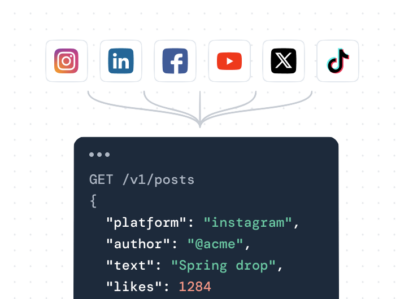

If you’re looking for one feed that pulls Instagram, TikTok, X, Facebook, LinkedIn, and YouTube into a single embed, Juicer is the best WordPress social media feed plugin for most sites: it’s free, aggregates 16+ sources, and moderates them all in one place. If you just need one network (say, a polished Instagram grid), Smash Balloon or Spotlight are the best single-network options. The rest of this guide compares the 8 plugins worth your time in 2026, each one verified against its live listing and current pricing, with our own take on where it fits.
Quick note: this is a guide to social media feed plugins: tools that show your live social posts on your site. If you’re looking for share buttons or auto-posting, that’s a different category that we haven’t included here to keep the comparison simple.
The best WordPress social media feed plugins at a glance
Most “best plugins” lists lump the feed tools in with the share buttons and schedulers. This table breaks out the five things you should be looking at when choosing a feed plugin: which networks it supports, whether it can combine several networks into one feed, whether you can moderate content, the free tier, and what you’ll pay in 2026.
| Plugin | Networks | Unified feed? | Moderation | Free tier | Price (2026) |
|---|---|---|---|---|---|
| Juicer | 16+ | ✅ Yes | ✅ Filters + auto | ✅ Free plan | Free; paid tiers |
| Smash Balloon | 5 + reviews | ⚠️ Add-on only | ✅ In Pro | ✅ Per-network | ~$49/yr |
| Spotlight Social Feeds | Instagram only | ❌ No | ⚠️ Limited (paid) | ✅ Yes | ~$59/yr |
| Curator.io | 8+ | ✅ Yes | ✅ Filter + curate | ✅ Yes | ~$25/mo |
| EmbedSocial | 6 + reviews | ✅ Yes | ✅ Yes | ⚠️ Limited | ~$29/mo |
| Tagembed | 6 + reviews | ✅ Yes | ✅ Yes | ⚠️ Branded | ~$13/mo |
| Elfsight | 7+ | ✅ Yes | ⚠️ Basic | ⚠️ 200 views | ~$6/mo |
| Walls.io | 8+ | ✅ Yes | ✅ Heavy | ❌ Trial only | ~$200/mo |
*Prices shown are as of June 2026 and are marked as “starting” or “from”; vendor plans change frequently, so be sure to check the provider’s pricing page before you buy.
How we picked these WordPress feed plugins
All of these plugins are genuinely current: each one has a current listing on WordPress.org (or a well-maintained product for the cloud-widget tools) that has been updated recently and works with the latest version of WordPress. We double-checked the supported-network list, the free tier, and 2026 pricing for each plugin directly against its live listing and vendor page.
That screen matters more than it sounds. Several once-popular plugins from older roundups are no longer safe to recommend. For example, Flow-Flow Social Stream had its WordPress.org listing closed in late 2025 over an unpatched security vulnerability, and TwineSocial has been offline since 2022. We left those off this list on purpose. A feed plugin connects to your live accounts and runs on every page that shows the feed, so an abandoned one is a liability, not a bargain.
The 8 best WordPress social media feed plugins
1. Juicer: the unified multi-network feed
Juicer is the WordPress social feed plugin for sites that want one feed across many networks instead of a separate plugin for each platform. Connect 16+ sources (Instagram, TikTok, X (Twitter), Facebook, LinkedIn, YouTube, Bluesky, Google Reviews, Pinterest, Tumblr, Slack, and more) and Juicer aggregates them into one responsive feed that you drop in with the shortcode [juicer name=’your-feed’].
Where Juicer pulls ahead is moderation and curation: you can filter posts by @username or #hashtag and set rules to keep unwanted content out, so a public feed stays on-brand. Custom CSS lets you match the feed to your theme. The plugin is free to install from WordPress.org and there is a free plan to get started; paid plans add more source accounts (up to 10 per feed on standard plans, unlimited on Enterprise) and more feeds. Here’s how to add a Juicer feed to WordPress.
Our take: we build Juicer, so read this as biased but informed: it’s the right call when you want several networks in one moderated feed, and the wrong one if you only ever show a single Instagram grid, where Smash Balloon or Spotlight win.
Best for: sites that want a single, moderated feed spanning Instagram, TikTok, X, Facebook, LinkedIn, and YouTube, without installing and configuring a separate plugin for each one.
2. Smash Balloon: the per-network category leader
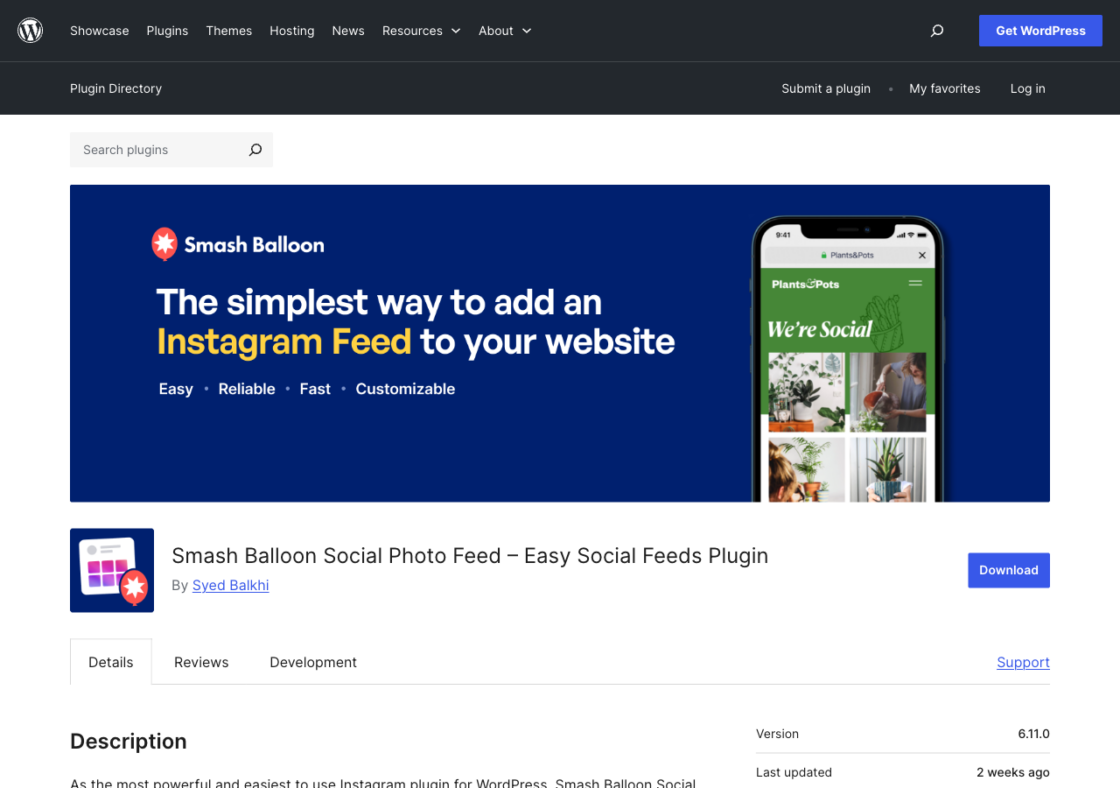
Smash Balloon is the most popular name in WordPress feeds: its Instagram Feed plugin has over a million active installs and a 4.9-star rating. Its model is one polished plugin per network: separate plugins for Instagram, Facebook, X, YouTube, and TikTok, each with a free version and a Pro upgrade. The feeds are fast and SEO-friendly (server-rendered, so search engines can read the content) and very well supported.
The downside is that a multi-network display means you’re looking at several plugins and several licenses, unless you opt for the Social Wall add-on (which is part of the All Access Bundle) that combines them. Pro versions start at around 49/year per network; the All Access Bundle, which includes Social Wall and review feeds, is about 299/year.
Our take: the safe, popular pick for one network done well; the per-network licensing adds up quickly once you want three or more feeds, which is exactly the point where an aggregator gets cheaper and simpler.
Best for: sites that want the single feed for one network, most often a reliable Instagram or Facebook feed.
3. Spotlight Social Feeds: Instagram-first design
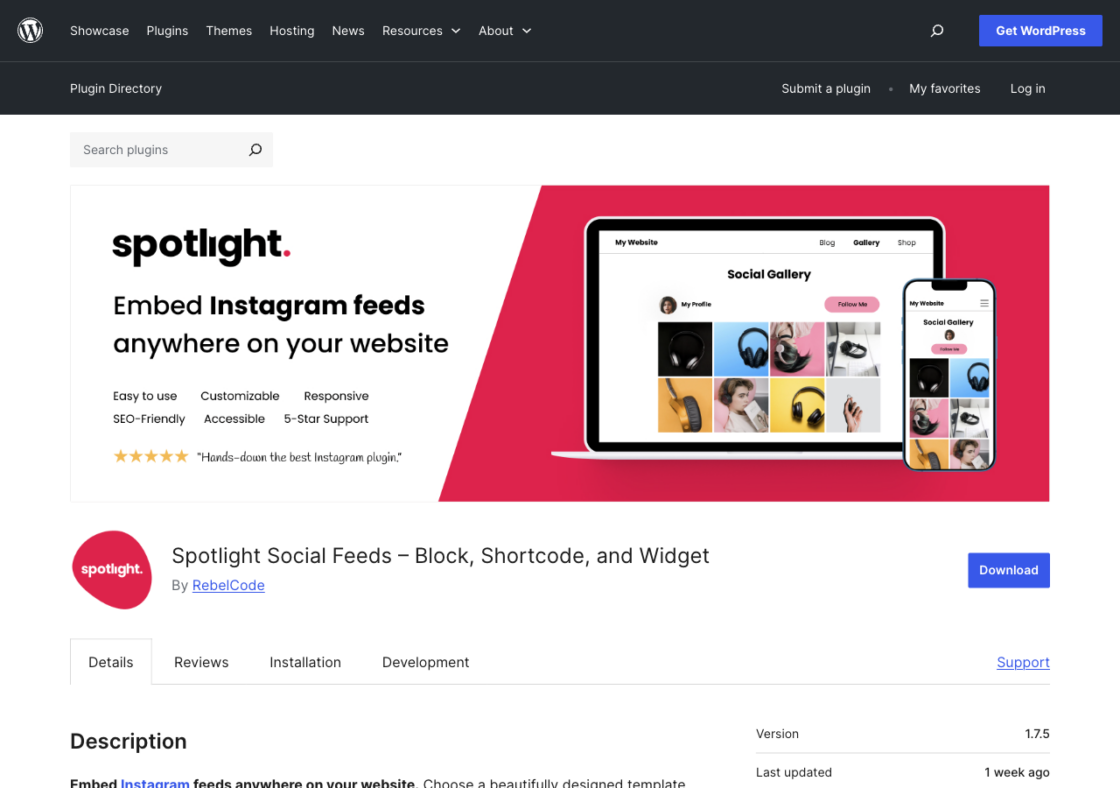
Spotlight is an Instagram-only feed plugin (60,000+ installs, 4.5 stars) that is all about design and performance. It has a visual editor and prebuilt layouts to make it quick to get a clean Instagram grid up, and it caches well so it doesn’t slow down your page speed. There’s a real free tier; plans start around $59/year.
If you’re only interested in Instagram and just want it to look amazing with minimal effort, Spotlight is the best. It doesn’t do anything else, so it’s the wrong tool if you’ll ever want X, TikTok, or LinkedIn in the same feed. (If you’re seriously considering Instagram-only options, check out our choosing an Instagram feed plugin for WordPress guide.)
Our take: lovely for Instagram and nothing else; if there’s any chance you add X, TikTok, or LinkedIn later, you will outgrow it and end up migrating.
Best for: an attractive, performance-focused Instagram feed on a site that does not need any other network.
4. Curator.io: the free multi-network aggregator
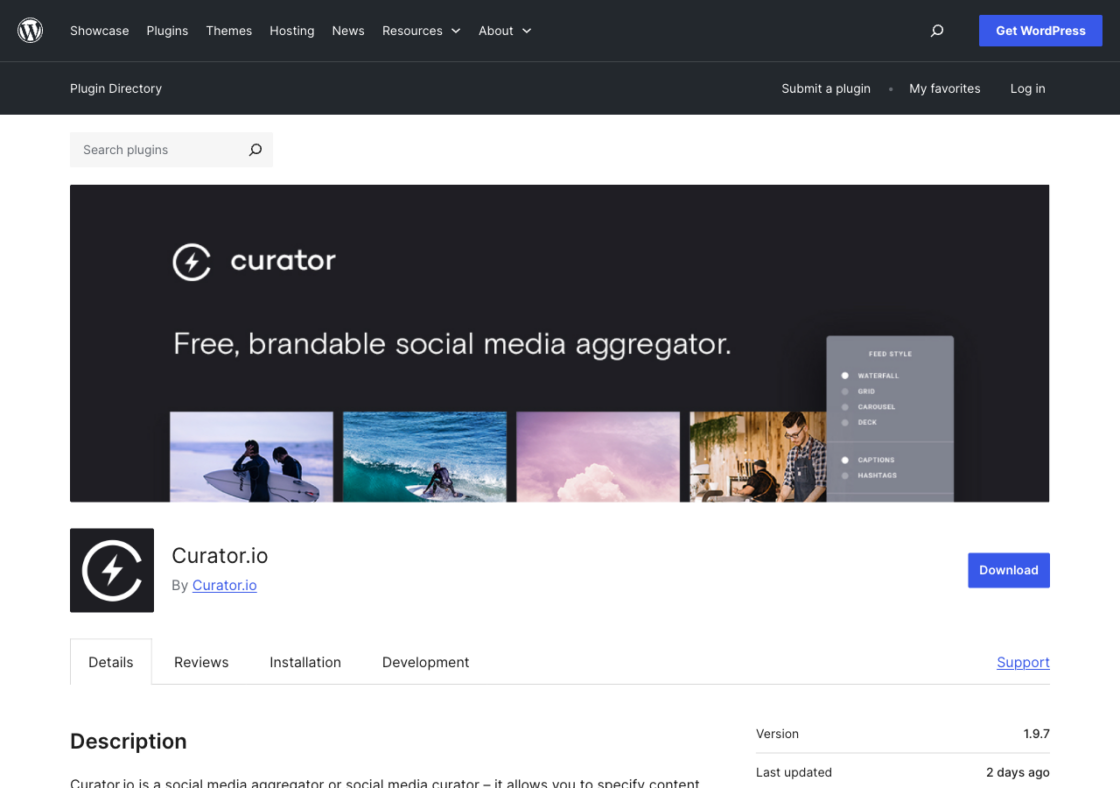
Curator.io is the closest free alternative to a full aggregator. It pulls Instagram, Facebook, YouTube, TikTok, X, Reddit, LinkedIn company pages, Threads, and more into one curated stream, with real filtering and full CSS control. Its free plan is usable (3 sources, 2,000 views/month); paid plans start around $25/month and scale up source and view limits.
It’s maintained (the WordPress.org listing was updated within days of this writing), and if you want to curate multiple networks without a recurring bill and the free tier’s view cap fits your traffic, it’s a great pick.
Our take: the closest thing to a free aggregator; the 2,000 views per month cap on the free plan is the catch, so check your traffic before you build around it.
Best for: budget-conscious sites that want a moderated, multi-network feed and full design control on a free or low-cost plan.
5. EmbedSocial: feeds plus reviews
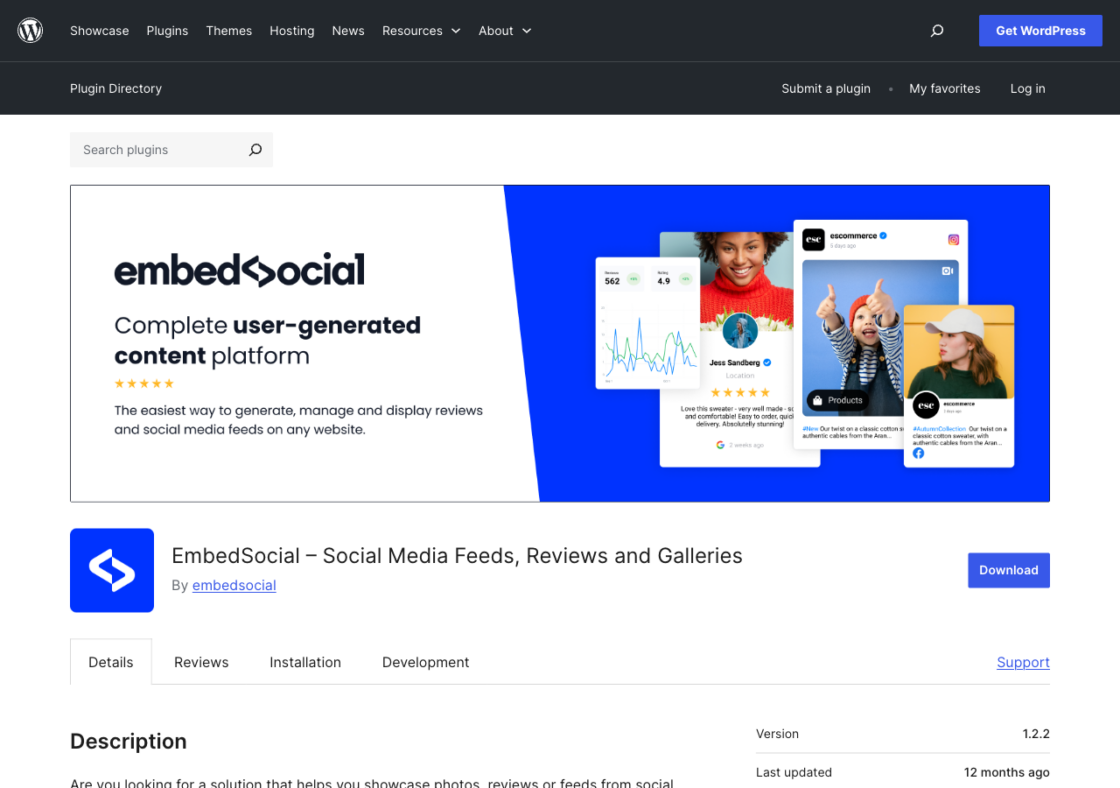
EmbedSocial is the pick when reviews matter as much as social posts. It has a WordPress plugin and EmbedFeed product that brings in Instagram, Facebook, TikTok, YouTube, X, and Vimeo feeds alongside Google and Yelp reviews (great for local businesses that want social proof and posts in one place). It is actively maintained (4,000+ installs) and there’s a free, limited, branded option plus a 7-day trial; EmbedFeed plans start around $29/month.
The plugin itself is really just a thin connector to your EmbedSocial account, so most of the configuration is done on their dashboard, not on your WordPress site.
Our take: pick it for the reviews-plus-social combo, but know the WordPress plugin is just a connector, so most of your setup happens in their dashboard, not in WordPress.
Best for: local businesses and service sites that want to combine social feeds with Google and Yelp reviews.
6. Tagembed: social feeds and review widgets
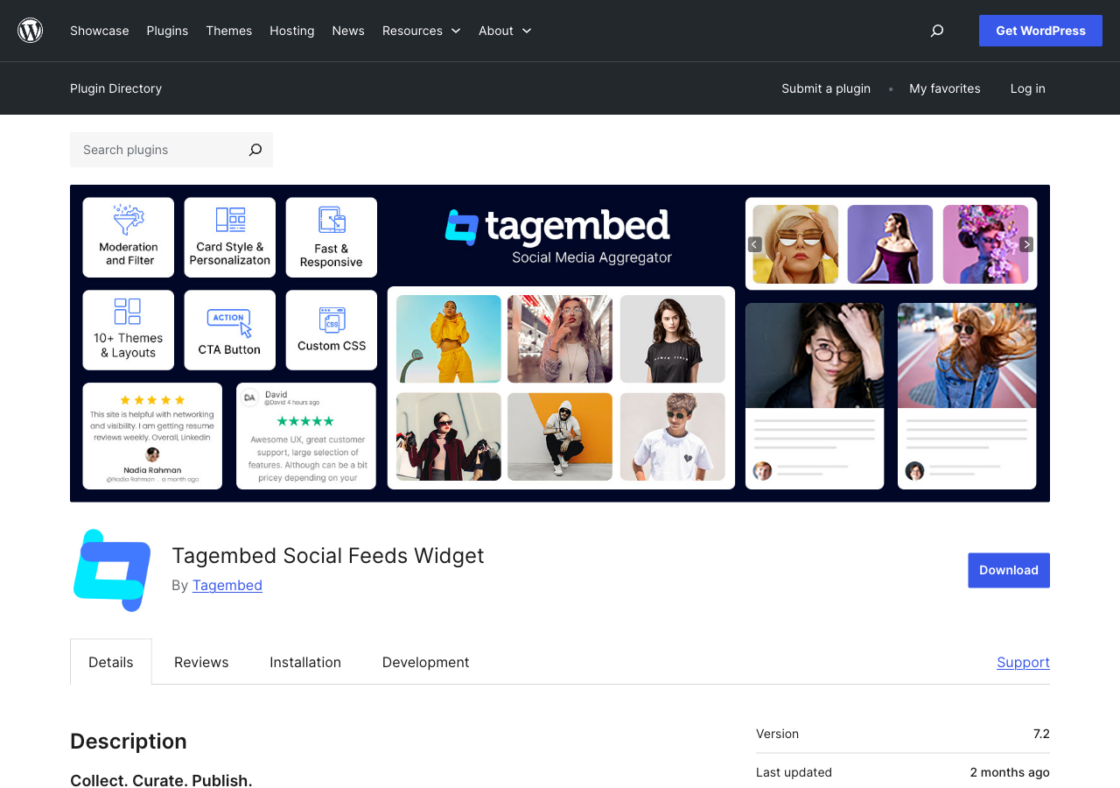
Another aggregator that covers both social and reviews is Tagembed: Instagram, Facebook, TikTok, YouTube, X, and LinkedIn, plus Google, Facebook, Yelp, and Airbnb reviews (8,000+ installs). The free-forever plan includes Tagembed branding; paid plans (around $13/month, billed annually) remove the branding and include feeds, faster refresh, and higher views.
It’s pretty similar to EmbedSocial in its purpose, so you’ll have to decide which one’s review sources and pricing suit you best.
Our take: nearly interchangeable with EmbedSocial; choose between the two on which review sources you need and the annual price, not on the feature list.
Best for: sites that want one widget covering several social networks and review platforms.
7. Elfsight: the no-code widget suite
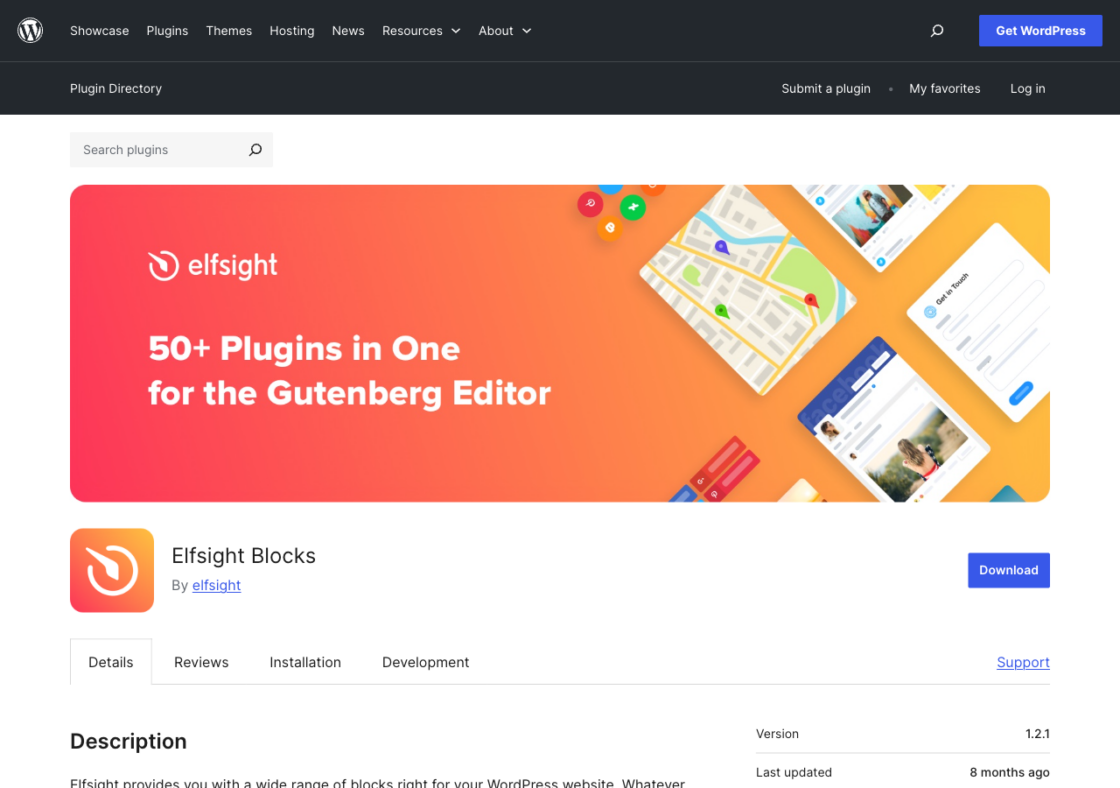
Elfsight takes the cloud-widget approach: you create a Social Feed widget (Instagram, Facebook, TikTok, X, YouTube, Pinterest, LinkedIn, and more) in Elfsight’s dashboard and drop it into WordPress. The same account gives you 80+ other widgets (reviews, chat, forms), which is the real value. The free plan is capped at 200 views/month with Elfsight branding; single-app paid plans start around $6/month and are metered by views.
Because it’s view-metered and runs through an external script, it’s better for low-to-moderate traffic sites that value the no-code builder and wider widget library over raw cost-efficiency.
Our take: worth it for the 80+ widget library, less so as a standalone feed tool; the 200-views-per-month free tier and view-metered pricing make it a poor fit for a high-traffic page.
Best for: no-code users who want a quick multi-network feed plus a broader widget toolkit from one dashboard.
8. Walls.io: premium walls for events and signage
Walls.io is the premium, hosted option, aimed at events and digital signage rather than a blog. It’s a long list of networks (Instagram, X, Facebook, LinkedIn, TikTok, YouTube, Bluesky, Reddit, etc.) with heavy moderation and even direct/QR post submissions for live audiences. No free tier, but there is a 14-day trial, and plans start around $200/month.
If you’re using it for enterprise or event-based needs and budget is secondary to moderation and reliability, Walls.io is your choice. Flockler is a comparable enterprise aggregator (no free plan, from ~$110/month) worth a look in the same bracket.
Our take: priced for events and signage, not blogs; at around $200 per month it’s overkill unless live moderation and scale are the whole point.
Best for: events, campaigns, and digital-signage walls where moderation and scale outweigh cost.
One multi-network feed vs. several per-network plugins: which do you need?
This is the decision that actually separates these tools, and no other roundup makes it explicit. There are two ways to put social content on a WordPress site:
- One multi-network feed (an aggregator). Plugins like Juicer, Curator.io, EmbedSocial, and Tagembed pull several networks into a single feed. You configure and moderate once, and a new network is just another source. This is the right model when content spans more than two platforms, when you want a “social wall” effect, or when moderation and curation matter.
- Several per-network plugins. Smash Balloon and Spotlight give you the best individual feed for a specific network. This is the right model when you genuinely only show one or two networks and want each to look and perform as well as possible, at the cost of managing a separate plugin (and often a separate license) for each.
Pro tip: if you would normally install 3 or more single-network plugins, an aggregator is easier to run and lighter on your site. If you want a full-page “social wall” rather than a blog-embedded feed, start with our WordPress social feed plugin page, which was built for that.
How to choose a WordPress social media feed plugin
Weigh these five criteria against the comparison table above:
- Networks supported. List the platforms you post on today and the ones you might add. Match them against each plugin’s actual supported list, not its marketing headline.
- Moderation and curation. A public feed pulls in whatever your accounts (and sometimes hashtags) surface. If brand safety matters, prioritize plugins with filtering and approval, such as Juicer or Walls.io.
- Performance and caching. Feeds that render server-side and cache (Smash Balloon, Spotlight, Juicer) are kinder to page speed and SEO than script-only widgets.
- Design control. Check for custom CSS and layout options if the feed needs to match your theme rather than look bolted on.
- Pricing and free tier. Decide whether you need a genuinely free plan (Juicer, Curator.io, Smash Balloon, Spotlight), can live with a branded free tier (EmbedSocial, Tagembed, Elfsight), or are buying a premium tool outright (Walls.io, Flockler).
Frequently asked questions
For a single network, Smash Balloon and Spotlight both have strong free tiers. For a free feed that pulls from multiple networks, Juicer and Curator.io are your best options. Juicer is free to install with a free plan, and Curator.io’s free tier includes 3 sources and 2,000 views/month.
Yes. Aggregator plugins like Juicer, Curator.io, EmbedSocial, and Tagembed let you mix Instagram, TikTok, X, Facebook, LinkedIn, YouTube and more in a single feed. Per-network plugins like Smash Balloon and Spotlight don’t, unless you add Smash Balloon’s Social Wall.
Install a feed plugin, connect your Instagram account, and place the feed with a block or shortcode. With Juicer, you connect Instagram (and any other networks) in your account, then add [juicer name='your-feed'] to any page or post.
They can, if they load everything client-side on every page view. Pick a plugin that renders server-side and caches its content (Juicer, Smash Balloon, and Spotlight are built this way) and only put the feed where you need it.
A feed plugin puts your social posts inside a page or post. A social wall is usually a full-page, often live display of aggregated posts. If you specifically want a wall, check out Juicer’s WordPress social feed and social wall pages, which are built for exactly that use case.
The best WordPress social media feed plugin for most sites
For most WordPress sites, Juicer is the best all-round choice: it’s free, brings 16+ networks into one moderated feed, and saves you from running a separate plugin for every platform. If you only need a single network done beautifully, go for Smash Balloon or Spotlight; if reviews matter, EmbedSocial or Tagembed; if you’re running an event or signage wall, Walls.io. Whichever you choose, pick a plugin that is actively maintained and supports the networks you actually post on. For a deeper dive, see the Juicer guides to best social media tools and social media feed website examples, or start a free Juicer feed.