
Running a nonprofit means doing more with less – less budget, less time, less resources. But with a constant pressure to prove impact.
Social media should help, yet it often feels like noise, algorithms, and endless posting with unclear results.
This article breaks through that frustration.
You’ll learn how to use social media marketing for nonprofits to achieve multiple goals, plus the strategies and tools needed to do it consistently without overburdening your team.
How nonprofits can use social media marketing to support their mission
Below are practical and effective ways to use social media platforms to strengthen your impact:
- Share fundraising updates and progress to keep donors informed and engaged
- Educate new audiences about your cause and why it matters
- Recruit volunteers with clear calls to action and active campaigns
- Show real impact through results, stories, and testimonials
- Build trust with behind-the-scenes moments
- Promote campaigns and events with countdown reminders
- Strengthen community by highlighting user-generated content
- Communicate quickly during crises to share needs and updates
- Share relevant news to position your nonprofit as a trusted source
Done right, social media for nonprofits becomes less about posting for the sake of posting and more about building real momentum around your mission.
8 strategies to help nonprofits succeed on social media
Before you start creating content, you need a clear plan that keeps you focused, organized, and consistent… because posting randomly and hoping for miracles usually doesn’t work.
These eight strategies will help you use social media for nonprofits in a way that actually turns awareness into action.
1. Leverage short-form videos
Short-form video content (Reels, TikToks, and Shorts) is one of the fastest ways to boost reach and keep people engaged. Short-form video performs especially well on Instagram and TikTok, making them some of the best social media platforms for nonprofits looking to increase reach and engagement.
Keep these videos up to 60 seconds, stick to one clear message, and don’t worry about making them overly polished. Even smartphone clips work and are often more relatable for viewers.
The below video from Save the Children is a perfect example of the tips I’ve shared above:
✅ Less than 60 seconds
✅ Sticks to a core message (Save the Foundation’s 2025 achievements)
✅ Is a self-recorded video
2. Collaborate with influencers to expand reach
Partnering with influencers or community advocates can help you reach people who already care about causes like yours. Look for influencers whose audience genuinely aligns with your mission, and avoid anyone with a controversial reputation that could harms yours.
Prioritize relevance and trust over follower count. Micro-influencers, volunteers, or local leaders often have smaller but more engaged audiences. Give them clear guidance on messaging and goals, but allow them to communicate in their own voice so the collaboration feels authentic. Even a single well-aligned post or story can drive meaningful awareness and action when the fit is right.
3. Encourage user-generated content and community involvement
Ask your supporters to share photos, short videos, or personal experiences tied to your nonprofit, then repost those posts to highlight authentic community involvement.
Take it a step further by adding UGC posts on your website. Why? Because unlike social posts that disappear from news feeds, website content has a longer lifespan and stays visible to every visitor. It adds credibility at key moments like when someone is deciding whether to donate, sign up, or volunteer.
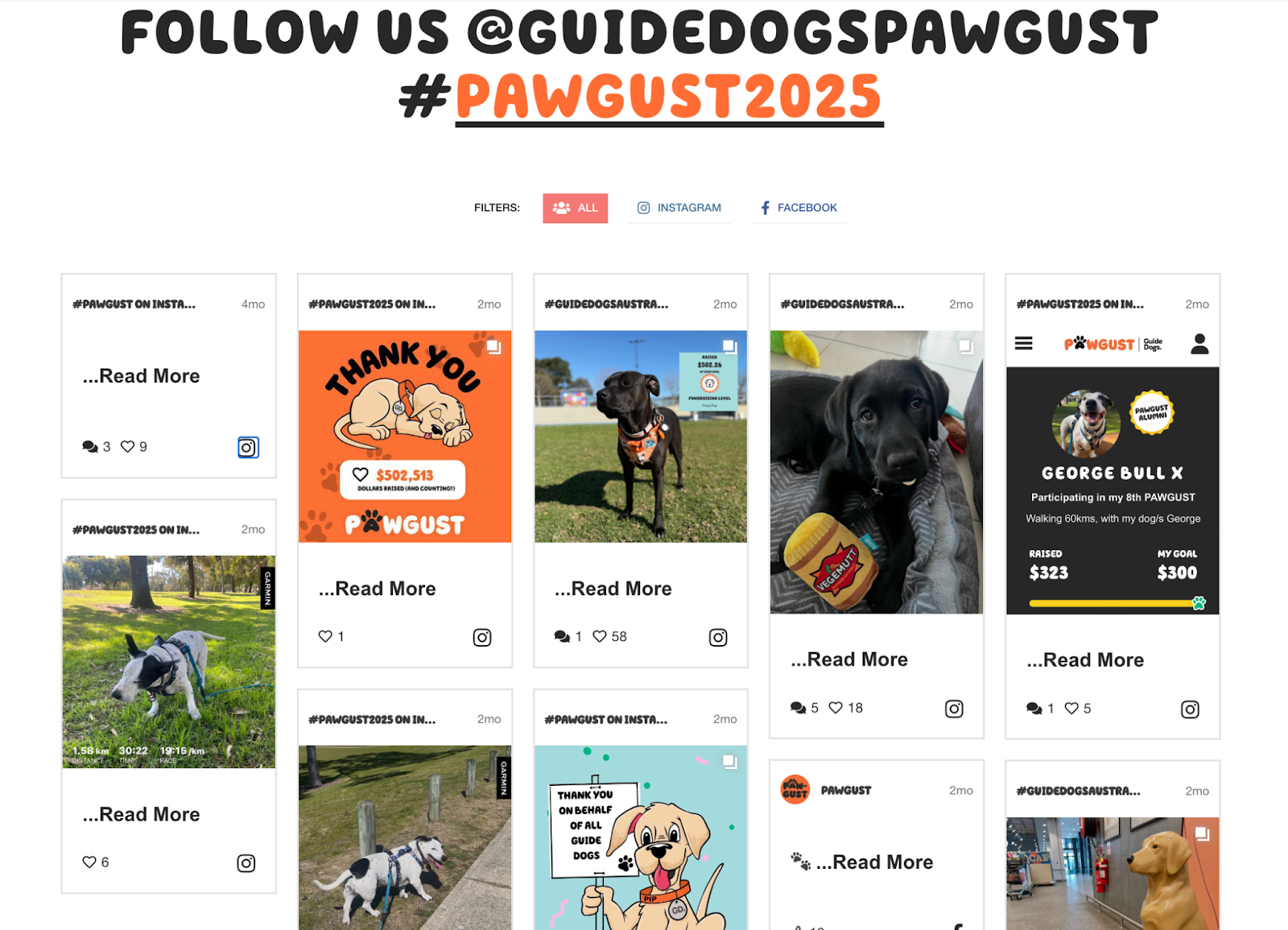
A great example is Pawgust that brings its community together through a fun branded hashtag feed embedded on its website using Juicer.io.
Embed Your Social Feed With Juicer.io In Minutes
Display your social feeds seamlessly with Juicer.io – no coding needed. Enjoy automatic syncing, full customization, and built-in moderation features.
4. Show social proof to build credibility
People are often skeptical when choosing which nonprofits to support with their time, money, or trust. Social proof is one of the fastest ways to cut through that doubt.
You build social proof through your social media channels by:
- Sharing milestones
- Spotlighting volunteer stories
- Recognizing repeat or long-term donors
- Highlighting partnerships with credible institutions
Remember → social proof doesn’t need to be complicated or flashy. It just needs to be genuine. And when potential supporters see that others already contributed to your mission, they’re far more likely to join in.
5. Embed social content into your website
Great social content shouldn’t disappear after you post it. While social feeds move fast, your website is where supporters often go to learn more, decide whether to donate, or get involved – making it the ideal place to give that content a longer life.
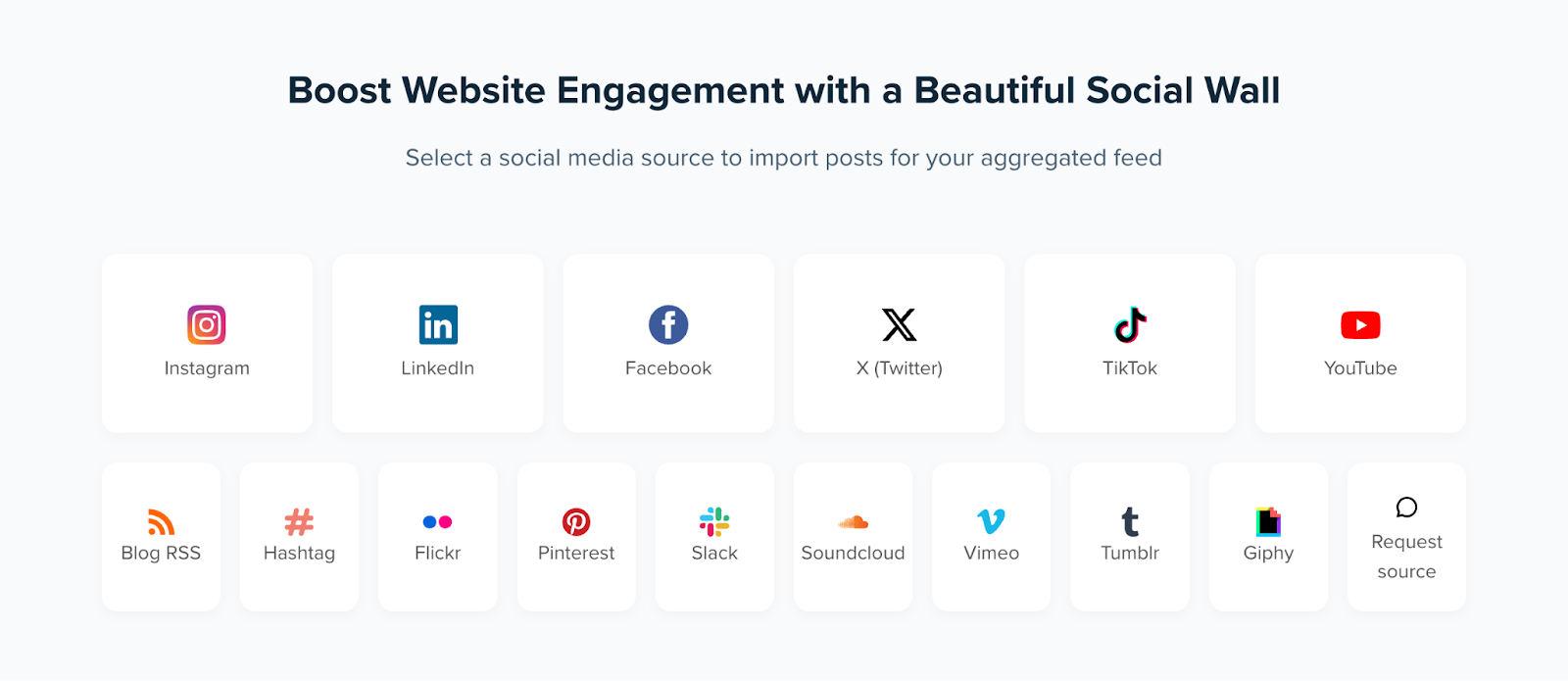
A social wall helps you do exactly that. It brings together posts, hashtags, and user-generated content from across your social media sites into one live, curated display.
Tools like Juicer.io make this easy by automatically collecting and displaying social posts from multiple platforms in a single feed. It’s trusted by nonprofits like Wikimedia, Child Rescue Coalition, and Lawrence University that use it to display their social content directly on their websites.
6. Use interactive content to drive engagement
Interactive content “stops the scroll” by encouraging viewers to interact rather than just passively watch. And when people participate, it creates an emotional connection and makes them more likely to remember your message.
Here are some examples of interactive content and when to use them:
- Polls: Gauge interest in upcoming events or initiatives.
- Quizzes: Educate followers about your cause in a fun, shareable way.
- Question stickers: Add Instagram’s question stickers to your stories so your audience can submit ideas, share experiences, etc.
- Contests: Encourage user-generated content while boosting visibility.
- Live Q&A sessions: Answer supporter questions and build a more personal connection.
These tactics not only increase engagement metrics like clicks, shares, and comments but also provide insights into what your audience cares about, making your future content more impactful.
7. Plan campaigns around key dates and social causes
Some moments are simply too important for a single post. Events like Giving Tuesday, World Environment Day, Pride Month, or National Volunteer Week can be built-in opportunities to rally your community – if you treat them like real campaigns rather than last-minute posts.
A strong campaign actually starts long before the day itself.
- Months in advance: Define the theme, goals, key messages, and any design assets you’ll need. Line up volunteer stories, impact stats, videos, or graphics.
- Weeks ahead: Begin your promotions. Teasers, countdown posts, behind-the-scenes snapshots, or “save the date” reminders help warm up your audience. Use a social media content calendar to help you with this.
- During the campaign: Go multi-channel. Pair your social posts with email newsletters, blog updates, website banners, SMS reminders, and even livestreams. The more touch points, the stronger the momentum.
When you weave all these elements together, you have a much better chance of catching supporters’ attention and making them feel like they are a part of something meaningful.
Important: Don’t create campaigns for every holiday. That just dilutes your message. Rather, choose key dates that relate directly to your mission.
Take the example of Reading Is Fundamental (RIF) – a literacy nonprofit that puts free books and reading resources directly into the hands of children who need them most. On Giving Tuesday, RIF matched donations to broaden children’s access to books and literacy resources.
8. Monitor social media analytics to optimize and iterate content
Data-driven decisions are essential to improving any nonprofit social media strategy. So regularly monitor analytics to learn how you can improve your content.
You can rely on native analytics, or use a dedicated social media management tool like Sprout Social or Hootsuite for deeper insights.
Key metrics to monitor include:
- Engagement rate: Measures likes, comments, shares, and clicks relative to your audience size, helping you see which posts resonate most.
- Follower growth: Tracks how your audience is expanding over time, indicating the reach and appeal of your content.
- Conversion metrics: Monitors actions like donations, newsletter sign-ups, or event registrations that come directly from your social posts.
- Brand sentiment: Analyzes how people are talking about your nonprofit online, giving insight into public perception.
- Website traffic from social: Tracks the clicks and visits from your social channels to your website, showing which content drives action.
Regularly reviewing these metrics lets you refine your content, post timing, and campaigns, ensuring your social media presence continues to support your nonprofit’s mission effectively.
The best social media marketing tools for nonprofits
Instead of trying to juggle storytelling, outreach, design, and community management all by yourself, just let the professionals handle it. And by professionals, I mean these proven social media tools that make social media marketing for nonprofits simpler and more impactful.
Canva: Recommended for designing visual assets
Let’s be honest: most nonprofits don’t have a full design department hiding in the supply closet. That’s where tools like Canva come in handy.
Being able to whip up clean, on-brand graphics quickly is a huge help. Whether you’re assembling a LinkedIn carousel, drafting an Instagram infographic, or putting together an event flyer, Canva gives you an easy way to create the visuals you need without overcomplicating the process.
Best Canva features for nonprofits:
- Professionally designed templates: Canva offers more than 3.6 million customizable templates, something in store for everyone!
- Drag-and-drop editor: This makes creating graphics simple even without design experience. All you need is to drag and drop elements to make/customize a design.
- Brand kit: Store your nonprofit’s colors, fonts, and logos in one place to ensure consistent branding across all posts.
Canva offers eligible nonprofits free access to all Canva Pro, including team and collaboration features. But you have to apply – check the guidelines to see if your nonprofit is eligible.
Hootsuite: Recommended for scheduling social media posts
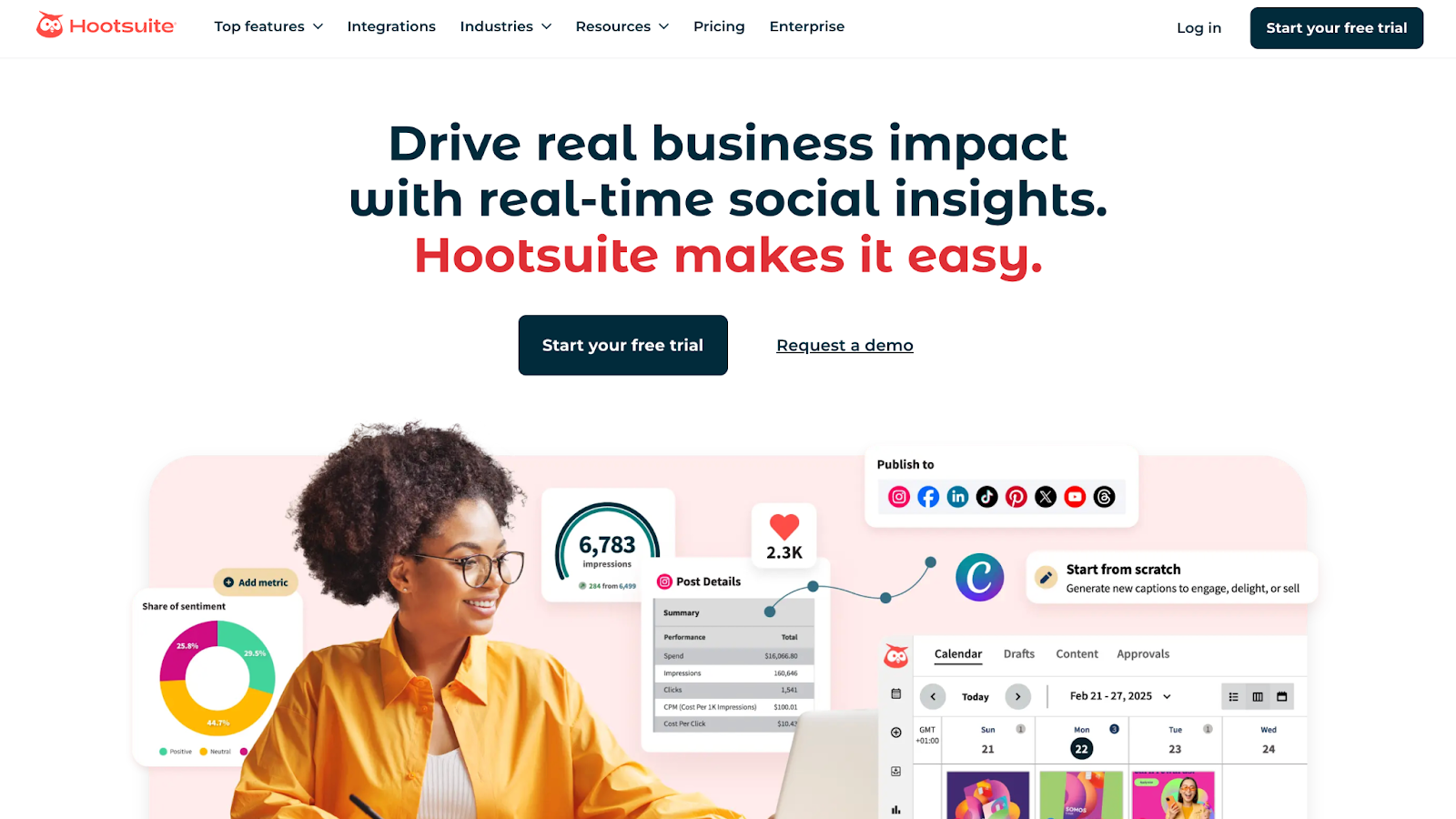
Hootsuite is a widely used social media management platform that lets you create, schedule, and analyze social content all in one place.
Best Hootsuite features for nonprofits:
- Content scheduling: Plan and automate posts across multiple platforms, ensuring your campaigns stay consistent.
- Campaign management: Organize posts around events, fundraising drives, or awareness weeks, keeping all content coordinated and easy to track.
- Analytics dashboard: Track performance of posts, campaigns, and audience growth to understand what’s working and what needs improvement.
Through HootGiving, eligible nonprofits can save up to 60% on Hootsuite’s Standard or Advanced plans. They verify nonprofit status via TechSoup or Goodstack.
Juicer.io – Recommended for adding social feeds on website
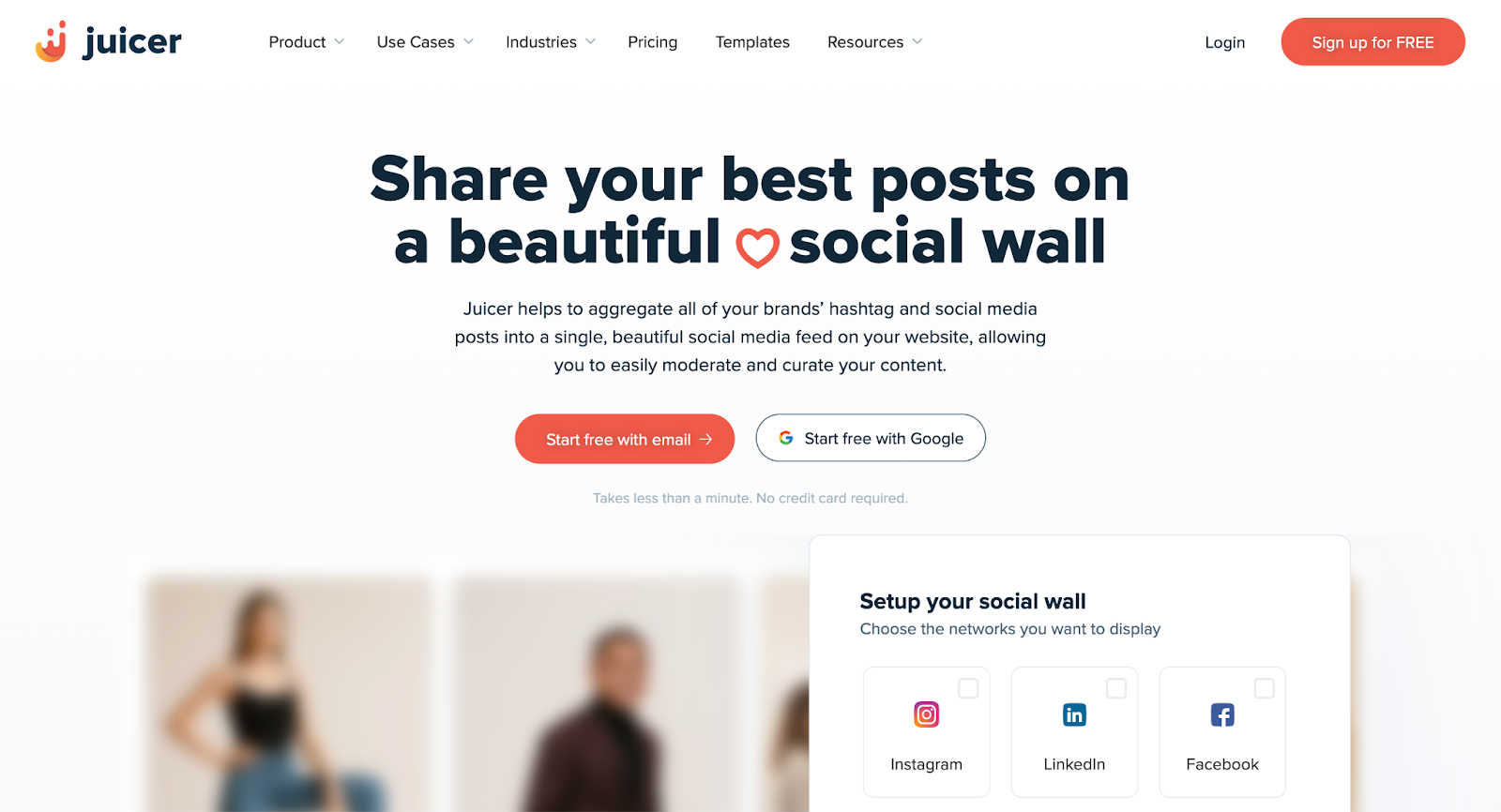
Juicer.io is a social media aggregator that combines all your social posts and hashtag content into a single, dynamic feed embedded on your website.
By adding a social wall with Juicer.io, you can increase website engagement by 25% and boost website views by 15%.
Best Juicer.io features for nonprofits:
- Social media and hashtag aggregation: Pull posts from multiple platforms or a branded hashtag into one feed, making it easy to display volunteer stories, event highlights, or campaign updates.
- Content moderation: Filter out unwanted or off-brand posts, ensuring your website only shows content that aligns with your nonprofit’s message and values.
- Feed analytics: Track page views, clicks on posts, and follower growth to see how supporters interact with your embedded feed.
- Custom branding and layout: Tailor colors, fonts, and display styles so the feed blends seamlessly with your brand.
Juicer.io offers a generous free plan plus a free trial of premium features, allowing you to explore the platform before committing.
Keyhole – recommended for social listening
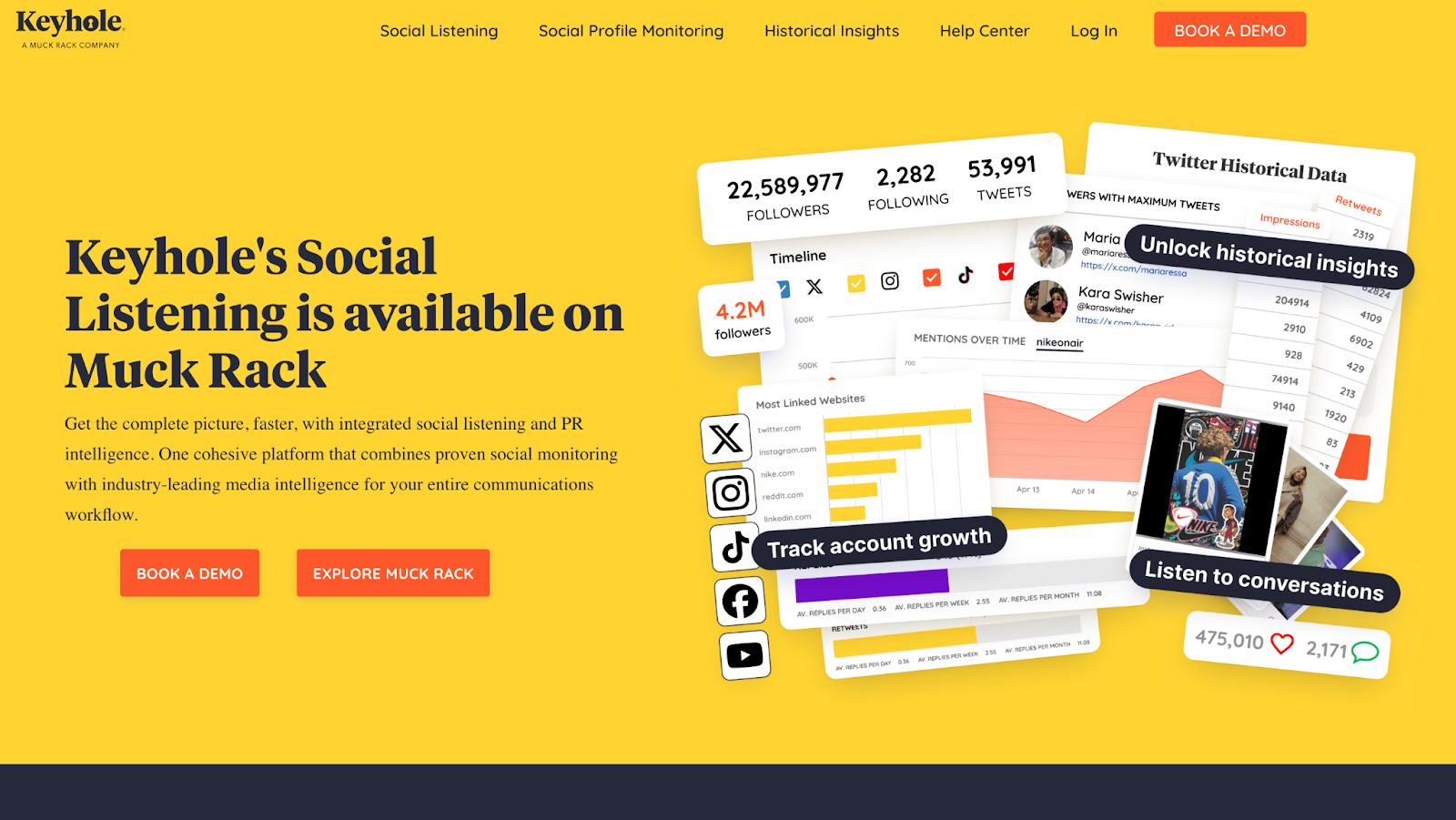
Social listening allows nonprofits to monitor social media conversations and understand what people are saying about them. Keyhole enables real-time tracking of these conversations, giving nonprofits a clearer view of public sentiment and engagement.
Best Keyhole features for nonprofits:
- Hashtag and keyword monitoring: Track hashtags or keywords to see which campaigns are resonating, identify trending topics, and discover opportunities to join relevant conversations.
- Sentiment analysis: Understand how supporters feel about your nonprofit and its initiatives, helping you respond quickly to praise, concerns, or potential issues.
- Influencer identification: Spot and measure the impact of key advocates talking about your cause.
Amplify your nonprofit’s mission with social media
Social media marketing for nonprofits isn’t something you can set up and then forget about. For it to really work, you need to be intentional about what you’re creating and posting.
Start small. Choose one platform, test out one strategy, and track how it performs. Then build on what works. Over time, these incremental, deliberate steps will lead to greater awareness and support for your nonprofit.
And remember social posts don’t have to live only on social media. By adding them to your website, you can extend both their lifespan and impact. Juicer.io makes this simple to execute. Create a free Juicer.io account and see how simple it can be to showcase your nonprofit’s story.
FAQs about nonprofit social media marketing
Social media marketing for nonprofits is the use of platforms like Facebook, Instagram, X (Twitter), and LinkedIn to raise awareness, engage supporters, share impact, and drive donations or volunteer involvement. It allows nonprofits to communicate directly with their audience, build a community around their mission, and amplify reach with effective social media campaigns.
Focus on sharing authentic stories, posting consistently, engaging with your audience, using hashtags, leveraging visuals and videos, and running campaigns around key events or causes. Collaborate with influencers or other nonprofits to expand reach, and track analytics to see what resonates. Creating interactive content, like polls or Q&As, can further boost engagement and encourage supporters to take action.
1. National Geographic: They post breathtaking photography from across the globe that keeps audiences engaged.
2. The Humane Society: They use emotional storytelling and highly shareable GIFs to raise awareness.
3. Health For All: They maintain consistent, recognizable branding while sharing uplifting stories and mission-driven stats.
4. American Heart Association: They excel at educational TikTok content, including CPR demos and wellness reminders.